
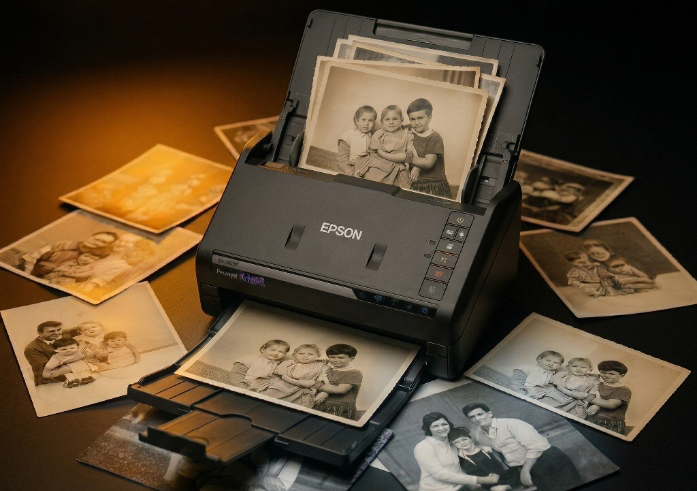
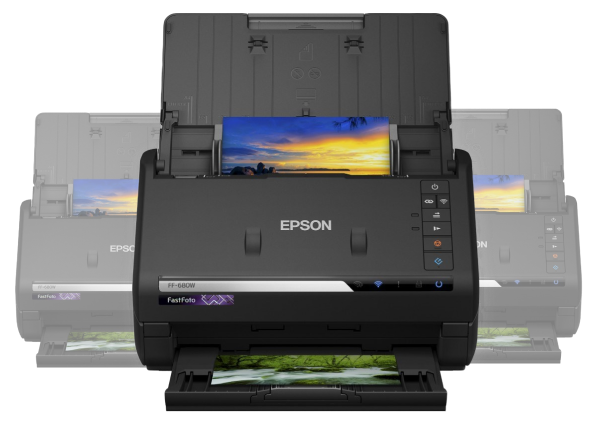

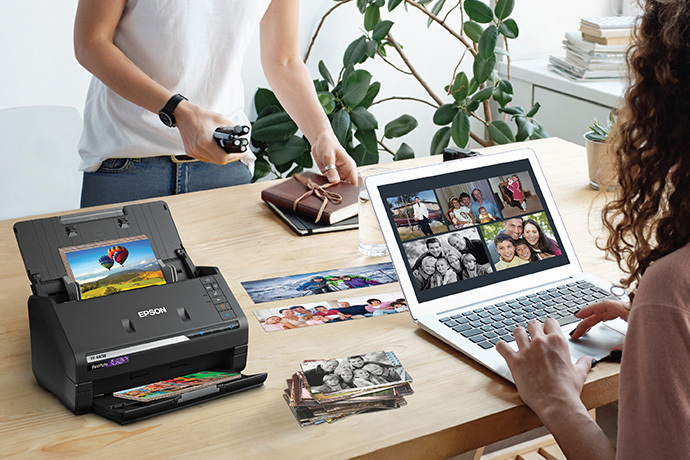
Don't let your family memories fade in a shoebox. Rent our professional auto-feed scanner and digitise thousands of photos in a single weekend— privately, from your own home.
Scanning Speed
Privacy at Home
UK Delivery


Choose your rental period, place your order, and pay online. You'll receive an instant confirmation email with everything you need.
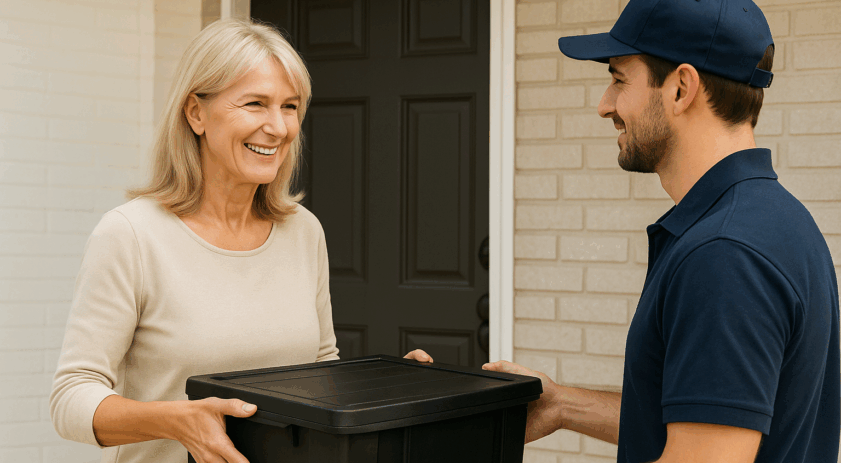
Your rental starts on the day your scanner is delivered. We'll email you the tracking details so you know when to expect it.
Unbox the scanner, follow the simple setup guide, and start scanning your photos and documents. No technical experience is needed.
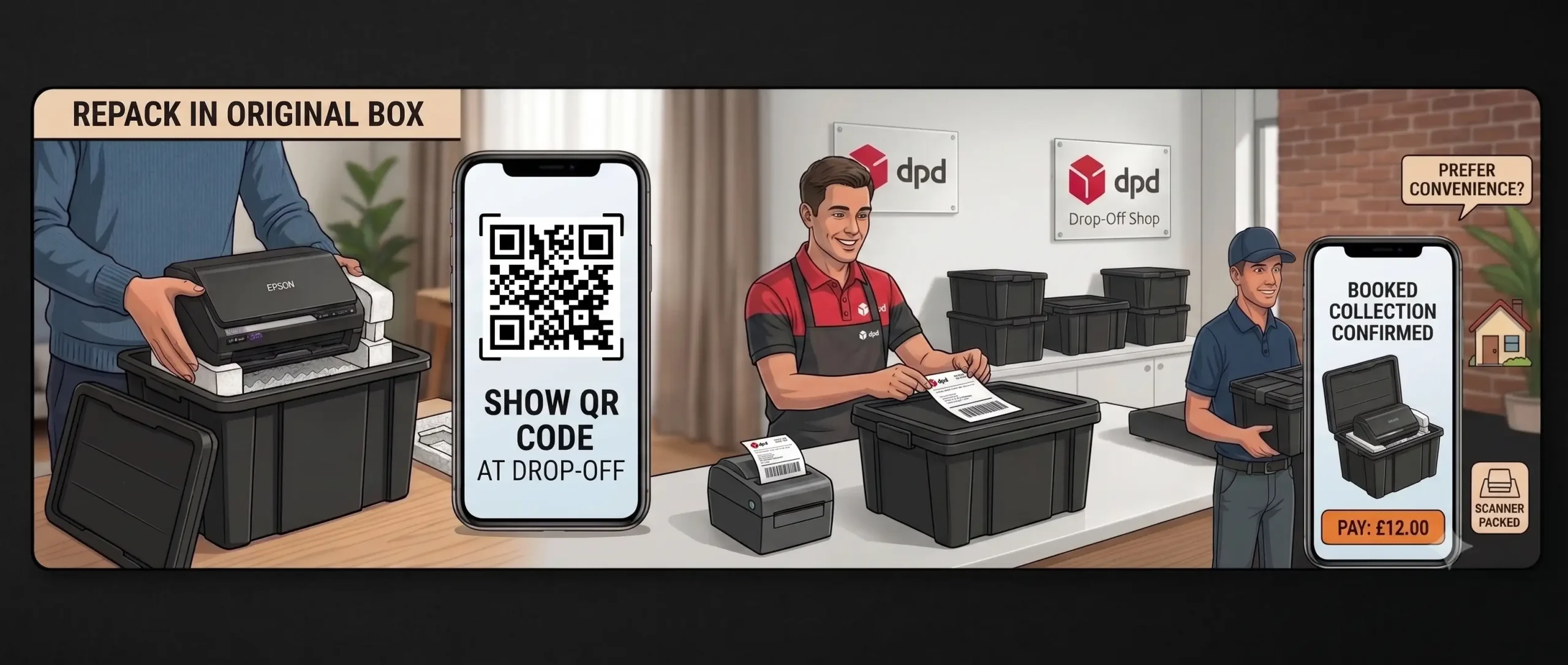
Pack the scanner back into the original box. Either print the return label and drop it off, or simply show the QR code at a DPD drop-off point with a label printer. You can also book a home collection for £12.00.

Download the free Epson scanning software for Windows or Mac using the link provided with your rental. It's quick and easy to install. cick here for them to click the box for the link
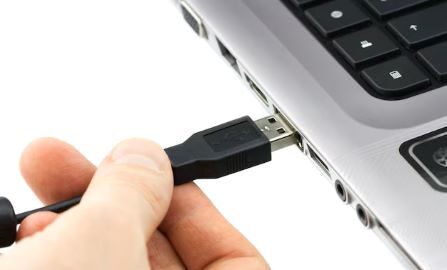
Plug in the included USB and power cables. Using a newer Mac? No problem — we include a USB-C adapter in the box
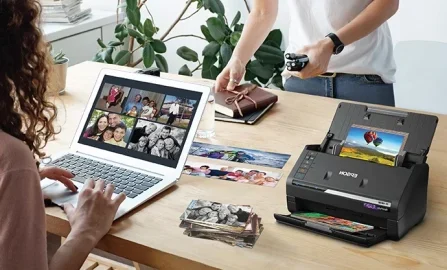
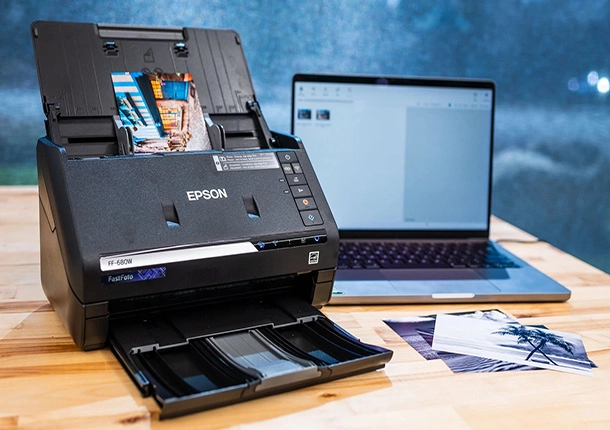
Load your photos into the scanner and begin scanning straight to your computer’s hard drive — perfect for storing, printing, or sharing.
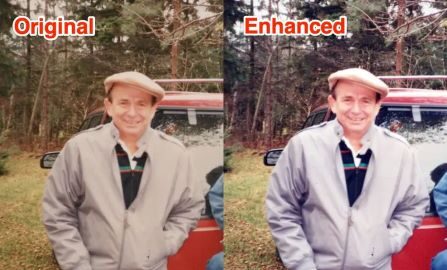
Use the built-in software to make quick edits like cropping, colour correction, or rotation before saving your images.
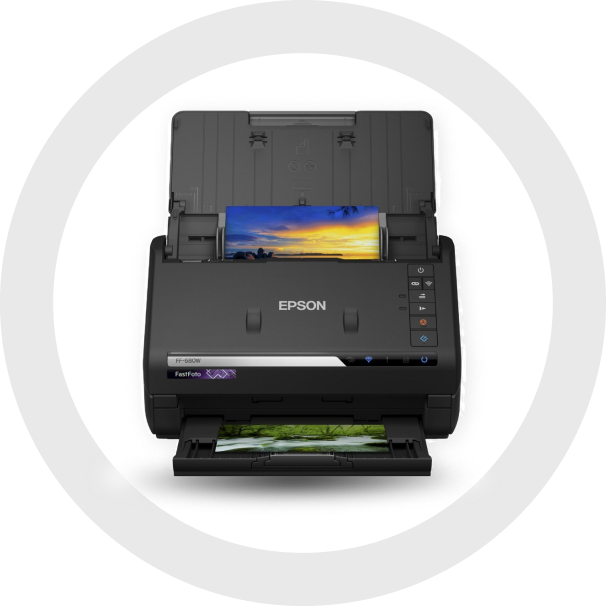
Auto-feed scanning at 1 photo per second. Average customer digitises 3,500+ photos per rental.
Scan everything at home. Your photos never leave your possession — total privacy guaranteed.
Professional resolution with automatic colour restoration and red-eye removal.
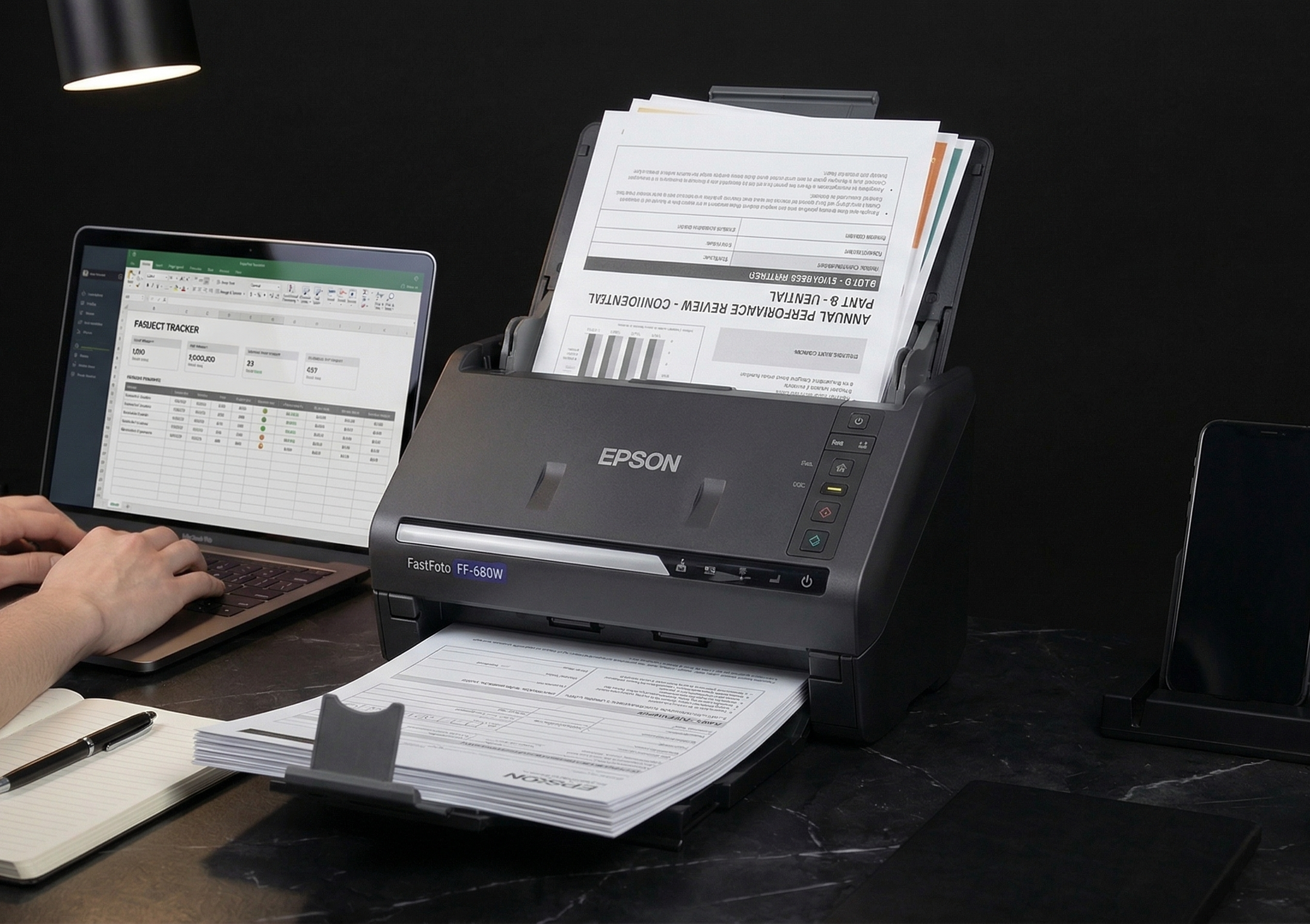
Double-sided document scanning into PDF. Perfect for paperwork, receipts, and letters.
Works with both platforms. USB-C adapter included for modern laptops.
Built-in software for cropping, colour correction, and rotation before saving.
No hidden fees. Free delivery & returns included with every rental.
Auto-feed technology makes scanning a breeze. Average customer digitises 3,500 photos per rental.
Rapidly scan double-sided documents into PDF files. Perfect for paperwork too.
Up to 600 dpi resolution with automatic enhancements like colour restoration and red-eye removal.
Works with both Windows and Mac computers. USB-C adapter included.
Real stories from people who saved their memories with DIY Photo Scan.
So straightforward and there's no risk of losing your precious pictures. Everything stayed safe with me the whole time.
Scanned around 2k photos before 3pm with little effort. Honestly didn't expect it to be this quick.
So easy to use and incredibly fast — we scanned all our photos without any stress at all.
Our old family albums from the 80s are finally safe on the cloud. My mum was almost in tears seeing them again.
The quality of the scans genuinely surprised me. Colours look even better than the original faded prints.
I was quoted a fortune by a scanning service. Did it all myself in one weekend and saved so much money.
Grandpa's wartime photos are now backed up forever. This is the best gift I've given my family.
Photos never leave your hands — that's what sold me. No shipping precious originals to strangers.
The scanner is plug-and-play for most Windows and Mac computers. You can download the Epson FastFoto software directly from Epson's official website. A quick-start guide or video tutorial is included with your hire to walk you through setup.
Yes! The FastFoto FF-680W can scan:
Photo prints (3x5, 4x6, 5x7, panoramas)
Polaroids (if flat)
A4 documents, letters, receipts, etc.
The FastFoto software automatically:
Sorts images by date and batch
Saves both enhanced and original versions
Lets you rename files and folders easily
No, internet is only needed to download the software. The scanner works via USB or Wi-Fi connection, but for stability, we recommend USB for scanning large batches.
No. The scanner is designed to handle delicate photos gently. For extra peace of mind, you can also use the manual feed option for fragile or curved photos.
Yes. We provide a scanner sleeve (carrier sheet) for fragile, small, or damaged photos. It helps protect delicate prints during scanning and ensures they feed through the machine smoothly. If you have very old or curled photos, we strongly recommend using the sleeve.
No problem! If you need more time, just let us know as soon as possible. We offer flexible extensions, subject to availability.
Extra days are charged at a daily rate, which we’ll confirm when you request the extension.
Late returns without notice may incur additional charges.
We recommend contacting us at least 24 hours before your return date if you think you’ll need more time.
We're here to help! You’ll receive:
A PDF setup guide
Access to a video tutorial
Phone and WhatsApp support during business hours