DIY Photo Scan

About US

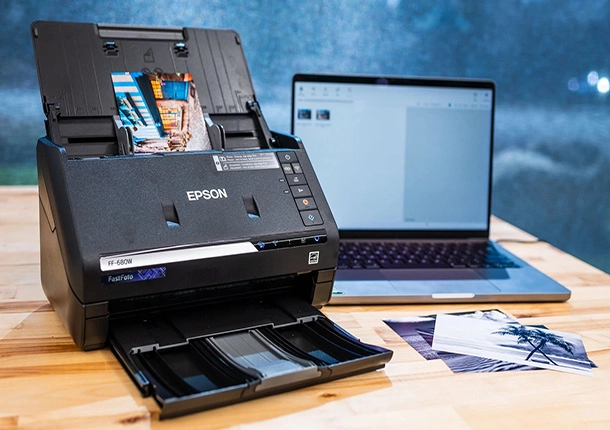
At DIYPhotoScan, we believe that everyone should have access to professional scanning tools—without the high costs. Whether you’re digitising cherished family memories, tackling a personal project, or working on something creative, we provide top-quality equipment for hire at an affordable price.

Our mission is simple: to make photo and document scanning affordable, easy, and hassle-free for individuals and businesses alike. With our service, you can enjoy professional results in the comfort and privacy of your own home, backed by the latest technology and straightforward rentals.

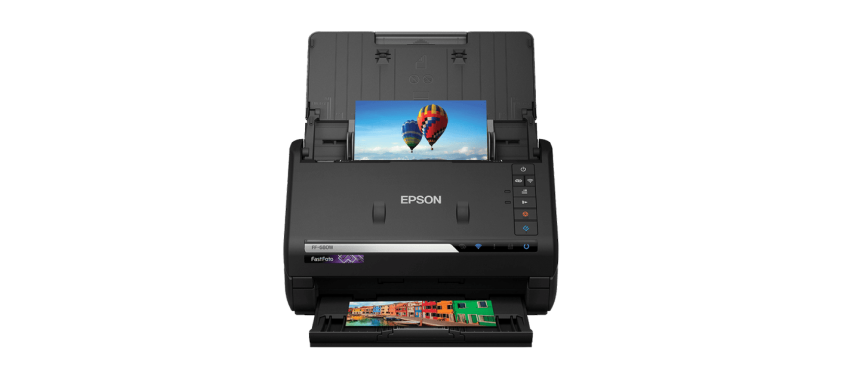
Auto Photo Scan

Cost-Effective Rentals

Why buy expensive equipment when you can hire it?

Expert Support

Need help? Our team is here to guide you every step of the way

Simple Booking & Fast Delivery

Get the tools you need, when you need them.

Technical Specifications

DPI (dots per inch)

300 or 600
Lorem Ipsum is simply dummy text of the printing and typesetting industry.

Scanned image file type

JPEG
Lorem Ipsum is simply dummy text of the printing and typesetting industry.

Double sided scanning

Yes
Lorem Ipsum is simply dummy text of the printing and typesetting industry.

technical-img

Max scan size

216 mm x 910 mm (A4)
Lorem Ipsum is simply dummy text of the printing and typesetting industry.

Min scan size

51 mm x 51 mm
Lorem Ipsum is simply dummy text of the printing and typesetting industry.

Max photo thickness

1.24mm (includes postcards)
Lorem Ipsum is simply dummy text of the printing and typesetting industry.

Set Up & Start Scanning

laptop-featured

1. Download the Software

Download the free Epson scanning software for Windows or Mac using the link provided with your rental. It's quick and easy to install.
hand-connecting

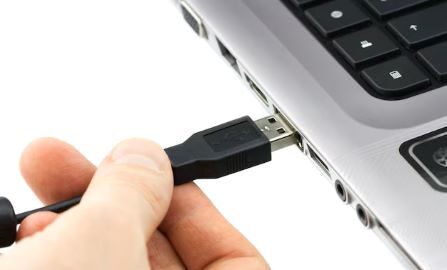
2. Connect USB cable

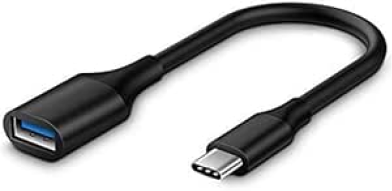
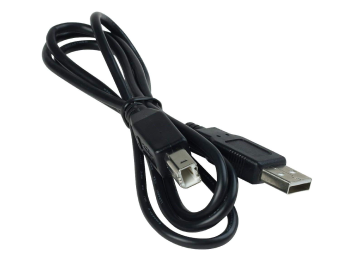
Plug in the included USB and power cables. Using a newer Mac? No problem — we include a USB-C adapter in the box
DIY Photo Scan

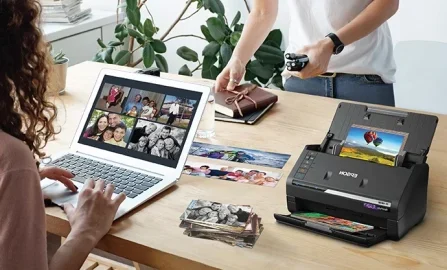
3. Start scanning

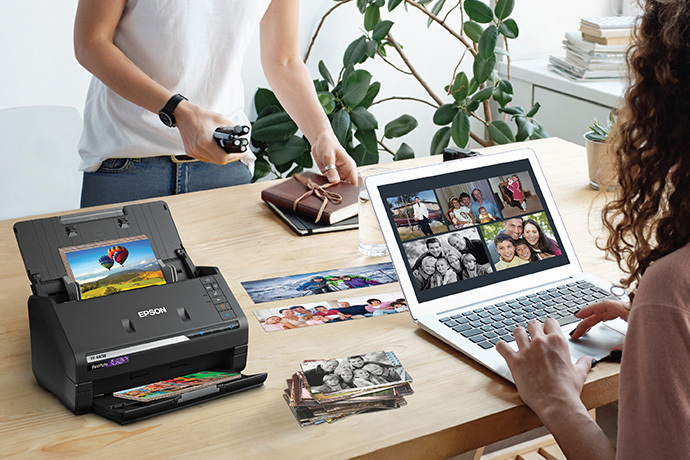
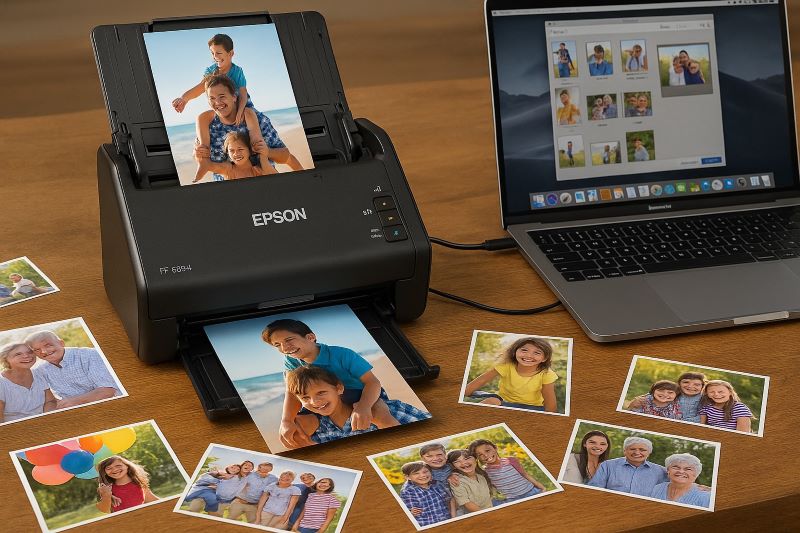
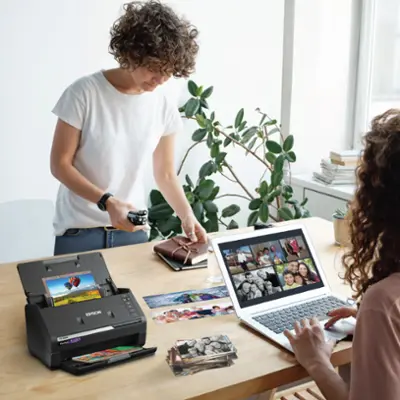
Load your photos into the scanner and begin scanning straight to your computer’s hard drive — perfect for storing, printing, or sharing.
orignal enhanced

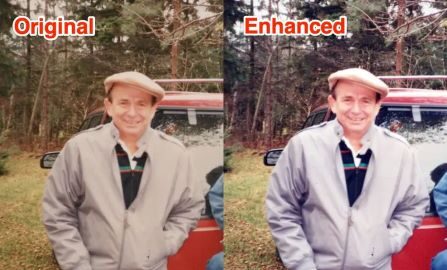
4. Save & Edit Photos

Use the built-in software to make quick edits like cropping, colour correction, or rotation before saving your images.
Technical Specifications

DPI (dots per inch)

300 or 600

Scanned image file type

JPEG

Double sided scanning

Yes

technical-img

Max scan size

216 mm x 910 mm (A4)

Min scan size

51 mm x 51 mm

Max photo thickness

1.24mm (includes postcards)

Speed Meets Perfection

High-Volume Scanning

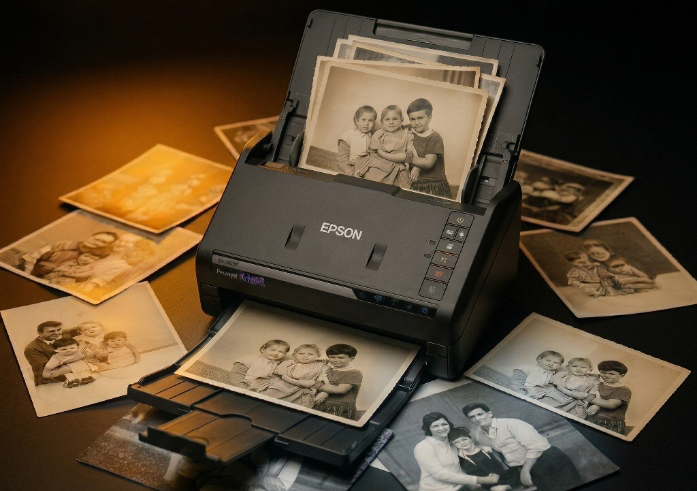
Auto-feed technology makes scanning a breeze. Average customer digitises 3,500 photos per rental.

Document Scanning

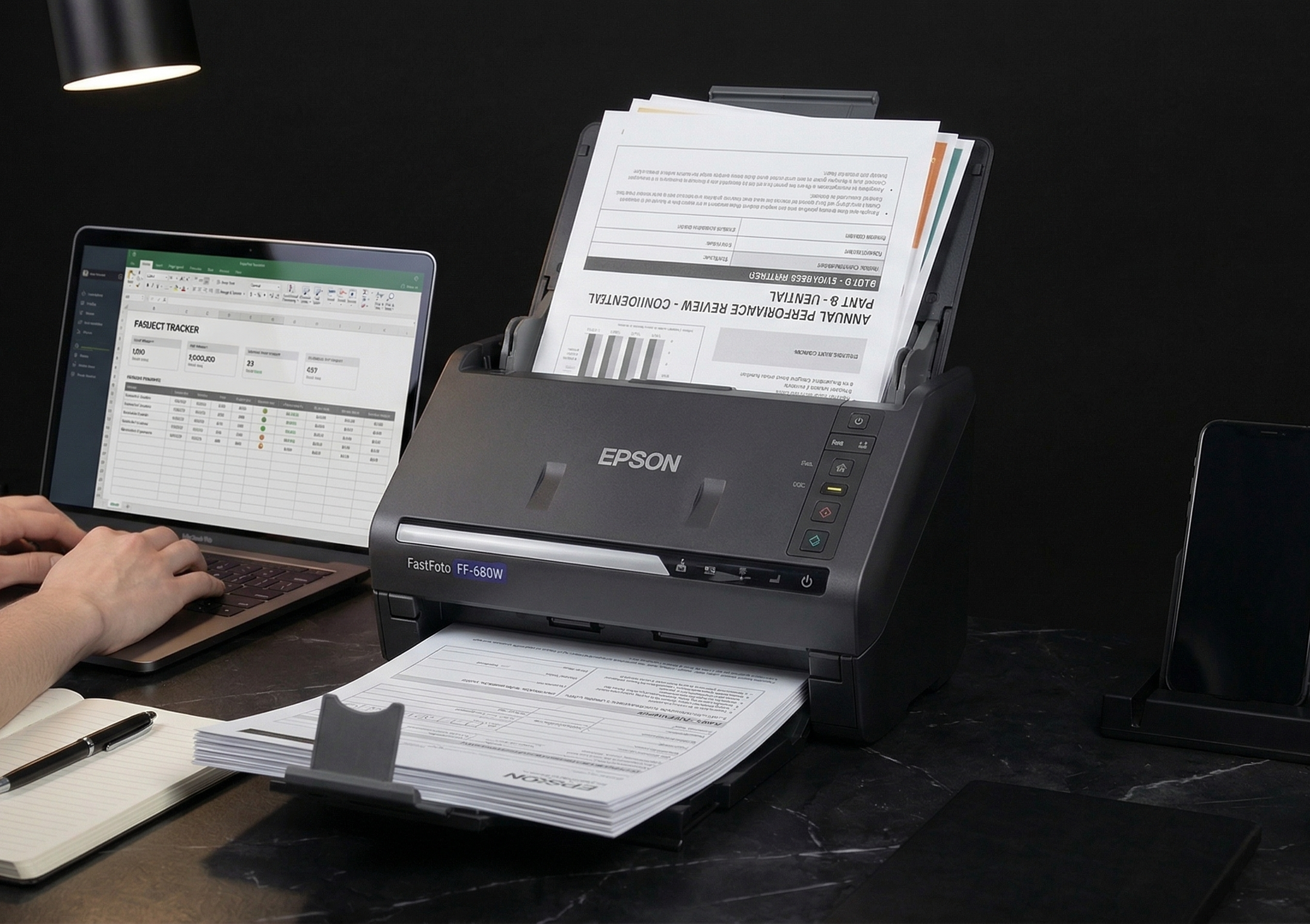
Rapidly scan double-sided documents into PDF files. Perfect for paperwork too.

Proffesional Result At Home

Up to 600 dpi resolution with automatic enhancements like colour restoration and red-eye removal.

Universal Compatibility

Works with both Windows and Mac computers. USB-C adapter included

Watch The How To Video

Ready to Bring Your Memories to Life?

Rent our Auto-Fee Photo Scanner and digitise your photos from the comfort and privacy of your home — no need to send them away. Fast results, easy setup, and friendly support included.
Start your rental today and begin scanning in just a few days.

 
meet-img

Included Accessories

usb-cabel

USB Cable

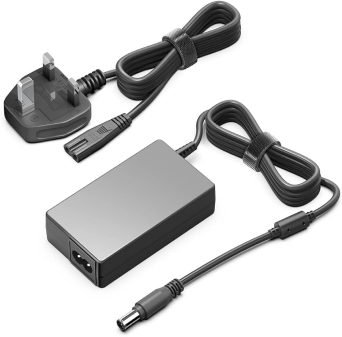
power-supply

Power Supply

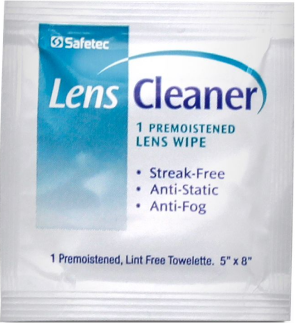
lens-wipes

Lens Wipes

usb-adapter

USB-C Adapter

Customer Testimonials

So straightforward and there's no risk of losing your precious pictures.

Alexa

Scanned around 2k photos before 3pm with little effort.

Peter

So easy to use and incredibly fast — we scanned all our photos without any stress at all.

David Designation

The DIY Photo Scan service was straightforward and efficient. All our photos were scanned much faster than expected.

Maria Designation

Perfect for anyone wanting quick results. The DIY Photo Scan was easy to use and delivered fast, high-quality scans.”

Priya Designation

Frequently Asked Questions

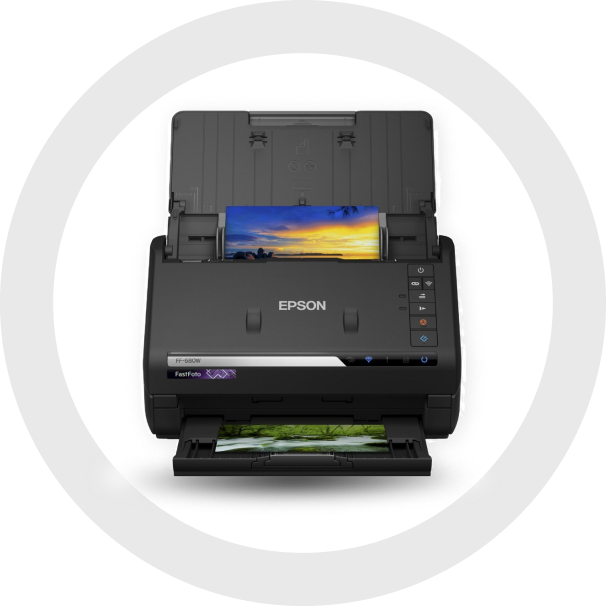
The scanner is plug-and-play for most Windows and Mac computers. You can download the Epson FastFoto software directly from Epson's official website. A quick-start guide or video tutorial is included with your hire to walk you through setup.

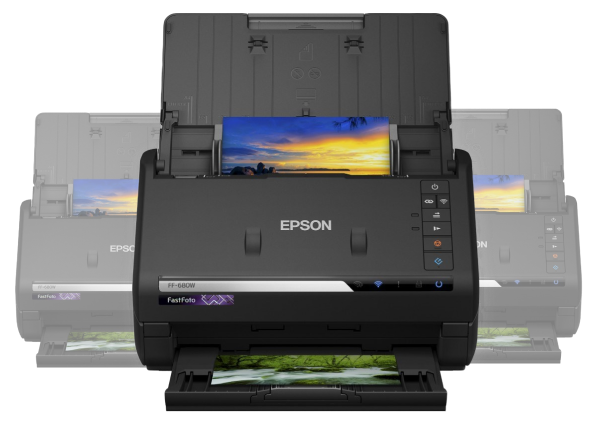
Yes! The FastFoto FF-680W can scan:

  • Photo prints (3x5, 4x6, 5x7, panoramas)

  • Polaroids (if flat)

  • A4 documents, letters, receipts, etc.

The FastFoto software automatically:

  • Sorts images by date and batch

  • Saves both enhanced and original versions

  • Lets you rename files and folders easily

No, internet is only needed to download the software. The scanner works via USB or Wi-Fi connection, but for stability, we recommend USB for scanning large batches.

No. The scanner is designed to handle delicate photos gently. For extra peace of mind, you can also use the manual feed option for fragile or curved photos.

Yes. We provide a scanner sleeve (carrier sheet) for fragile, small, or damaged photos. It helps protect delicate prints during scanning and ensures they feed through the machine smoothly. If you have very old or curled photos, we strongly recommend using the sleeve.

No problem! If you need more time, just let us know as soon as possible. We offer flexible extensions, subject to availability.

  • Extra days are charged at a daily rate, which we’ll confirm when you request the extension.

  • Late returns without notice may incur additional charges.

We recommend contacting us at least 24 hours before your return date if you think you’ll need more time.

We're here to help! You’ll receive:

  • A PDF setup guide

  • Access to a video tutorial

  • Phone and WhatsApp support during business hours

GET IN TOUCH

    Your email address will not be published. Required fields are marked *